
Now on Google Play
Calm Markdown notes that stay yours.
Otter is now available on Google Play: a focused Android notebook for Markdown writing, nested tags, wiki links, fast local search, and portable plain-text notes.
- Write in Markdown without turning the editor into a wall of syntax.
- Keep notes useful offline, with no account required for local use.
- Export and import plain-text formats so your notes are never trapped.
Daily loop
Capture, write, organize, find.
Otter is built around one repeatable flow: capture fast, write calmly, organize lightly, and find the note again without leaving the local-first app.
Capture
Start with a note.
Open Otter, write the thing down, and keep the editor out of the way.
Shape
Use Markdown as structure.
Headings, checklists, links, code, and tags stay readable as plain text.
Organize
Let tags do the filing.
A note can belong to more than one context without duplicating it into folders.
Find
Search locally.
Titles, bodies, and tags are built for fast recall without cloud dependency.
Writing
One document, not an editor fighting a preview pane.
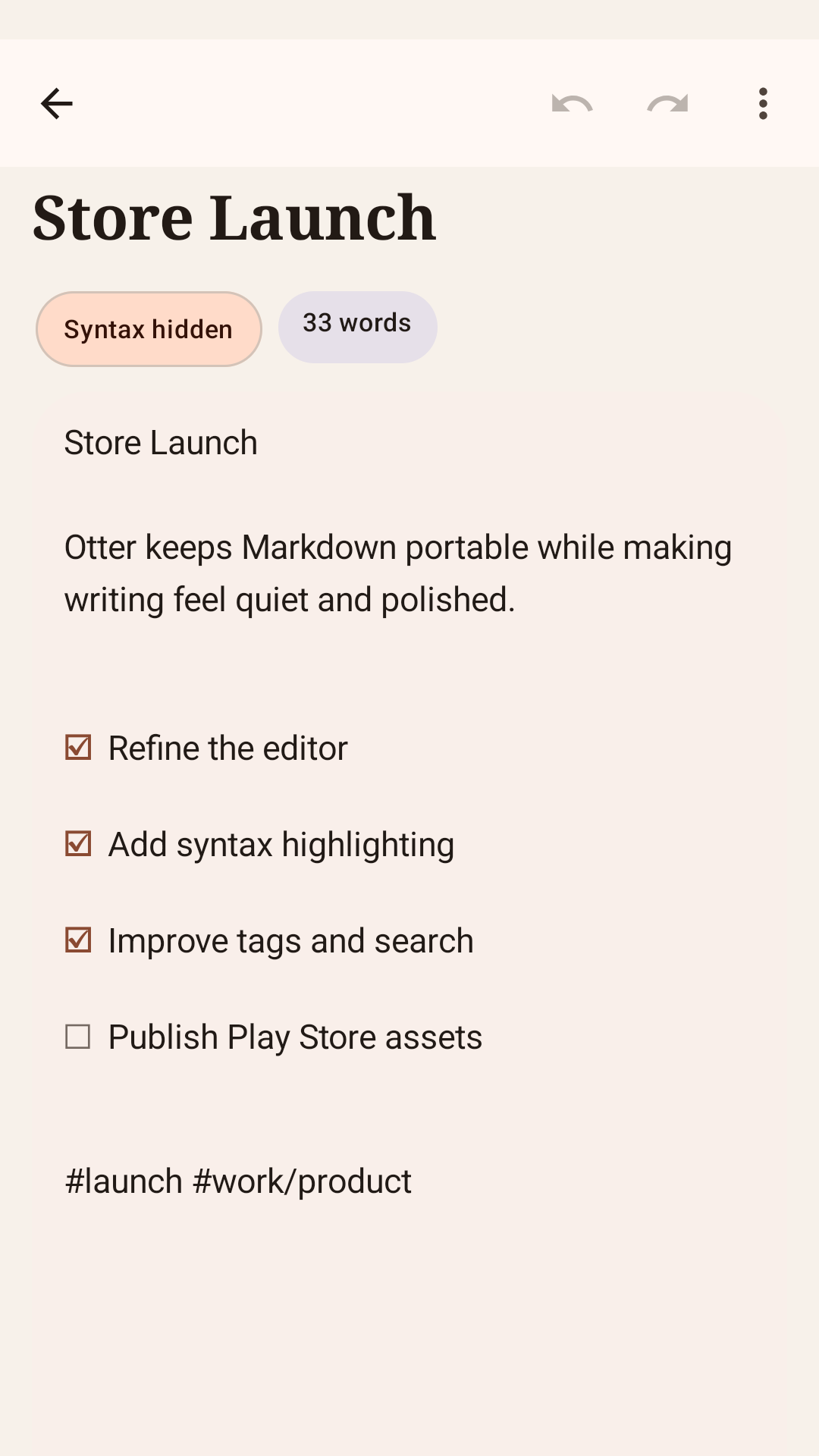
Otter gives Markdown a single continuous writing surface. The editor stays Markdown-first, but the interface feels calm instead of noisy. Formatting assist, live preview, and inline styling support writing while preserving the underlying Markdown.
That matters because Otter is not a block editor, a document database, or a generic productivity workspace. The focus is narrower: fast capture, calm editing, and notes that still make sense as plain text.
- Live formatting assistance without forcing a separate preview tab.
- Inline styling in the same editing surface, with canonical Markdown kept underneath.
- Performance-sensitive editor behavior as a first-order product requirement.
Organization
Tags are the architecture.
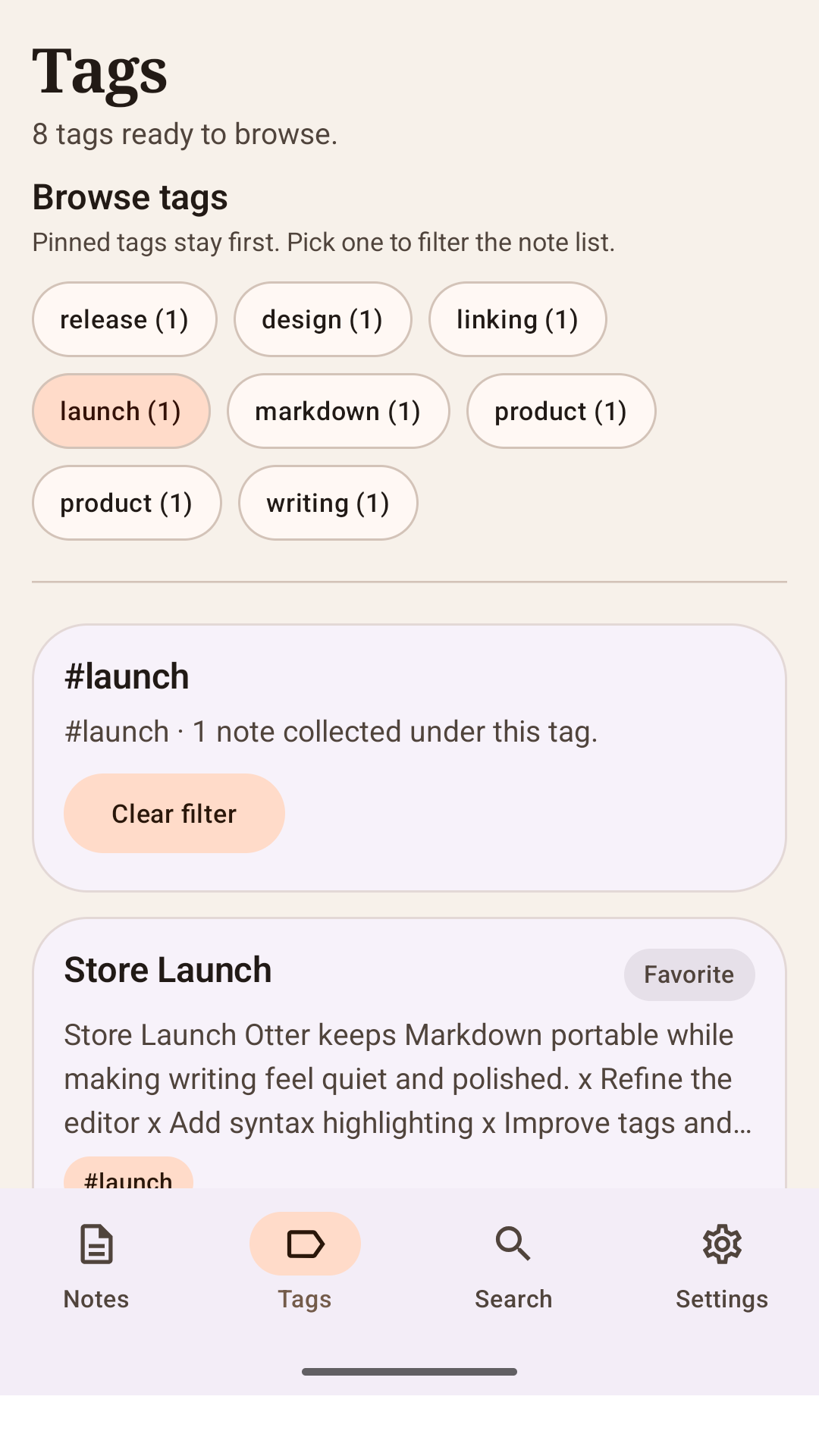
Otter organizes notes around tags and nested tags instead of pushing everything into a rigid folder tree. A note can live in more than one context, and tag paths such as work/project-a are treated as first-class structure rather than an afterthought.
This is central to the product model. Tags, pinned tags, and fast tag browsing are part of how Otter stays light while still scaling to a large personal knowledge base.
- Nested tag paths such as work/project-a.
- Filtering and browsing by tag as a core interaction, not a settings extra.
- A calmer alternative to folder-heavy information architecture.
Linking
Wiki links and backlinks turn notes into working context.
Typing [[ is expected to bring up note suggestions, let you link quickly, and support creating the destination note on the fly. Backlinks are treated as part of the thinking model, not as a novelty feature bolted on later.
The goal is a lightweight personal wiki without the weight of a graph-first product. Otter should help you connect notes without making the interface feel busy or theatrical.
- Wiki links for fast note-to-note references.
- Backlinks so connected notes remain discoverable.
- A knowledge workflow built into normal writing, not hidden behind a separate mode.
Link syntax
[[Store Launch]]Search
Fast local search is part of the product, not a future add-on.
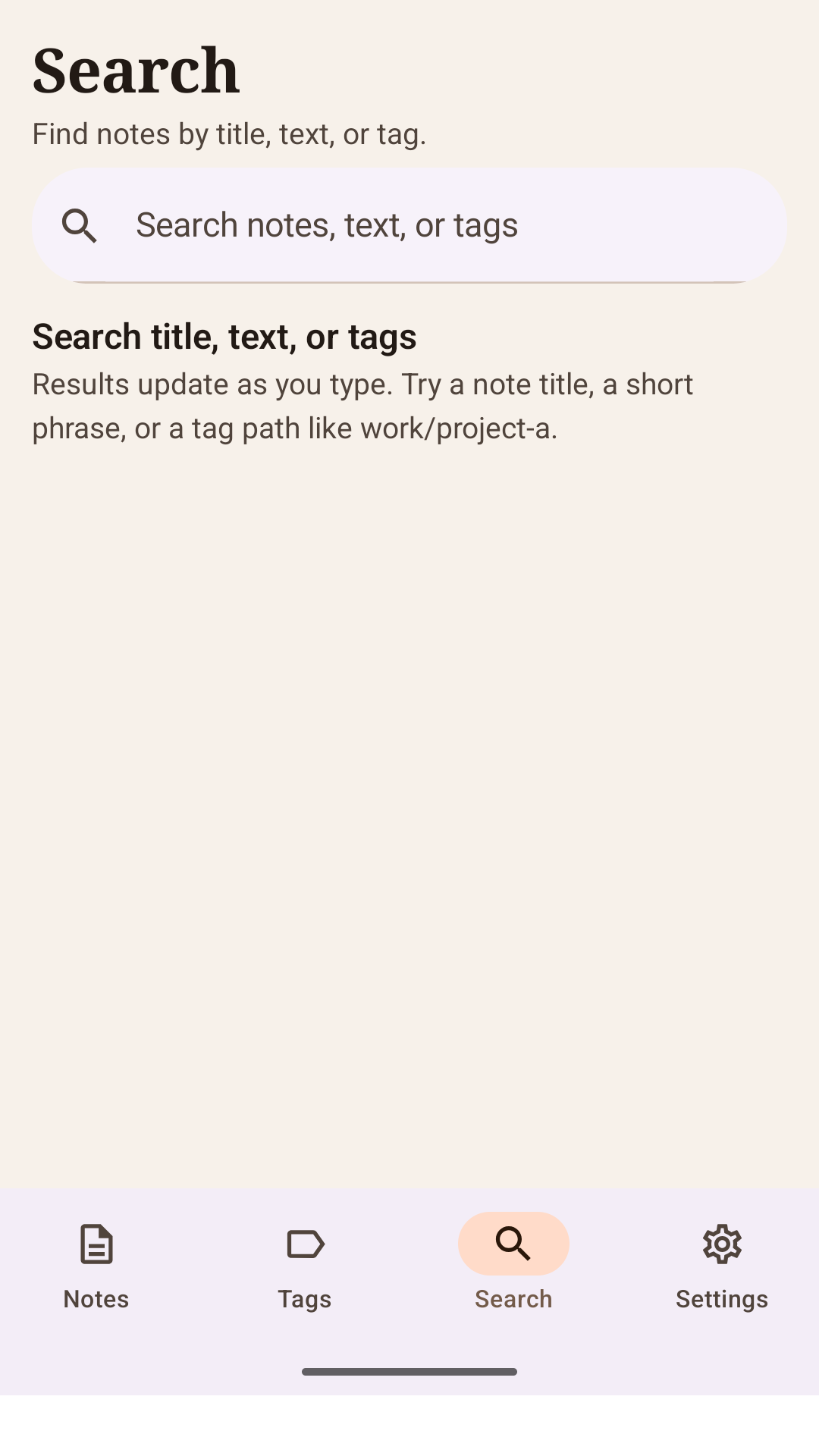
Search in Otter is meant to cover note titles, note bodies, and tags with fast incremental results. The Android project direction explicitly calls for local indexing, relevance plus recency ranking, and performance that does not interfere with typing.
That makes search a daily navigation tool rather than a slow fallback. If your notes live locally, search should feel local too.
- Search across title, body, and tags.
- Combined filters and relevance-aware ranking.
- Local-first indexing rather than cloud-dependent recall.
Ownership
Local-first and portable by default.
Otter keeps the app useful without an account. Canonical note content stays in Markdown and plain text rather than opaque rich-text blobs. That makes notes easier to export, import, diff, and trust over time.
Portability is not a side benefit. It is part of the product promise. Otter Free includes local writing with up to 10 notes, and Otter Pro is a monthly subscription through Google Play that unlocks unlimited note creation. Future premium layers can add sync, advanced export, themes, privacy extras, and version history without replacing the local-first model.
- No account required for local notes.
- Markdown and text export are part of the core product scope.
- Otter Pro is managed through Google Play and currently unlocks unlimited note creation.
Platform
Android-first on purpose.
Otter is an Android-first product built with Kotlin, Jetpack Compose, Room, coroutines, Hilt, DataStore, WorkManager, and local search infrastructure. This website describes the Android app; it does not represent a separate web editor or a cloud-first rewrite.
When sync is available, it belongs on top of the local app rather than replacing it. The local database remains the source of truth on device, and editing should never be blocked by network state.
- Built around native Android architecture rather than a cross-platform shell.
- Offline-first behavior as the baseline, not a degraded mode.
- Optional sync layered onto local notes instead of making the network mandatory.
Questions
Frequently asked questions
Otter is intentionally narrow in scope. These are the questions people usually have when they first hear the product direction.
- Do I need an account to use Otter?
- No. Local-only note-taking works without an account.
- Where can I install Otter?
- Otter Markdown Notes is available on Google Play for Android as package otter.snyders.xyz.
- Is Otter a web app?
- No. Otter is being built as an Android-first notes app. This website is informational and should not be read as a separate web editor product.
- What is supposed to make Otter different?
- The combination of calm Markdown writing, nested tags, wiki links, backlinks, fast local search, and plain-text portability without turning the app into a heavier all-purpose workspace.
- Will sync replace the local-first model?
- No. Sync is intended to be optional and layered on top of a local-first app whose on-device database remains the source of truth.